Who Should Use Quillbot
Freelance copywriters juggling five clients and rewriting the same proposal in different language need Quillbot. So do consultants who produce reports, white papers, or client documents and need fast cleanup before sending drafts. The paraphrasing and grammar tools accelerate that final-polish stage most writers dread.
Small e-learning businesses find it useful. When adapting existing material into new modules, a tool that restructures sentences and condenses passages saves hours of mechanical work. The summariser pays for itself if you regularly turn dense source material into digestible content.
SEO agencies churning out blog posts won't find what they need here. Quillbot reshapes existing writing — it doesn't generate ideas, build content strategies, or understand keyword intent. That distinction matters. For agencies looking for content generation at scale, Jasper AI handles that workflow better.
What It Actually Does
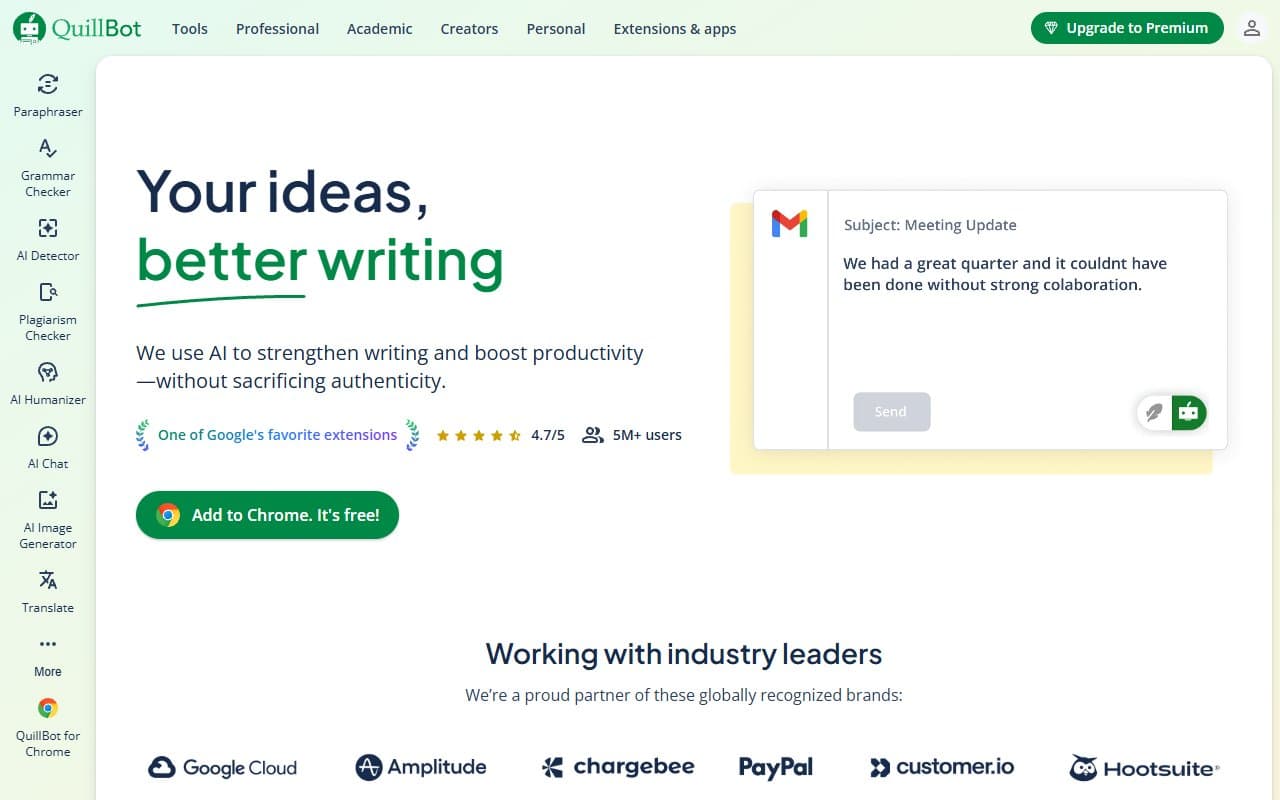
Quillbot rewrites your text. Paste in a paragraph, select a mode (formal, creative, fluency), and it returns rewritten versions with different tone and structure. The summariser condenses long documents into key points. The grammar checker works reliably. A citation generator handles academic referencing. The Chrome extension runs everything inside Google Docs without switching tabs.
None of this is magic. It's well-executed and fast.
Pricing
Free plan includes paraphrasing with limited modes, the summariser, and grammar checker with word caps. Good for testing, frustrating for daily work. Word limits hit faster than expected.
Premium at $8.33/month (billed annually) removes word limits and unlocks all features. Buy this tier. The price pays for itself if it saves thirty minutes weekly, which it will.
Teams plans don't punish you for adding users the way most SaaS tools do. Worth pricing if you have three or more people editing documents regularly.
What Works Well
The paraphrasing modes produce genuinely different outputs. Formal mode sounds nothing like fluency mode. That flexibility matters when writing for different audiences.
The Chrome extension works cleanly inside Google Docs without sluggishness. No copy-paste friction killing productivity.
The summariser handles long documents well. Feed it a 3,000-word research paper, get a clean summary. Saves 20-30 minutes per substantial document.
What Does Not Work
It cannot create, only reshape. Sit down with a blank page expecting Quillbot to fill it, and you'll waste your time. The tool needs raw material. That's a real constraint, not a footnote.
The free tier becomes unusable for daily work. Word caps interrupt workflow at inconvenient moments. Most serious users upgrade within a week.
How It Compares
Grammarly handles grammar and tone with more depth and offers better real-time suggestions while typing. Choose Grammarly for grammar coaching, Quillbot for rewriting — though Grammarly costs more at the premium tier.
Jasper generates original content and builds on briefs. Different category entirely. Need volume and originality? Jasper competes. Need to refine existing writing quickly and cheaply? Quillbot wins on price and simplicity.
Wordtune rewrites sentences with good variation. Quillbot edges it out with the summariser and broader paraphrasing modes, though Wordtune's in-line suggestions feel more natural.
The Verdict
Freelancers and consultants who spend too long polishing drafts should buy Quillbot Premium. At under $10 monthly, it pays for itself in the first week. Content agencies needing original articles at volume should look at Jasper instead — Quillbot won't solve that problem. For occasional document summarising, draft rewriting, or adapting existing material, this delivers better value than most alternatives in its category.
Common Questions
Is Quillbot good for business writing?
Yes, for editing drafts you've already written. The Formal mode handles business language well. It won't write proposals from scratch but makes rough drafts presentable quickly.
Does Quillbot work with Google Docs?
The Chrome extension integrates directly. Installation takes under two minutes. No constant tab-switching required.
Is the free plan enough for regular use?
No. Word limits interrupt workflow. Most users who find it useful upgrade within a week.
How does Quillbot handle sensitive business content?
Quillbot processes text through its servers. Fine for general business writing, but legal, finance, or healthcare businesses should consider this before pasting confidential data into any cloud-based writing tool.