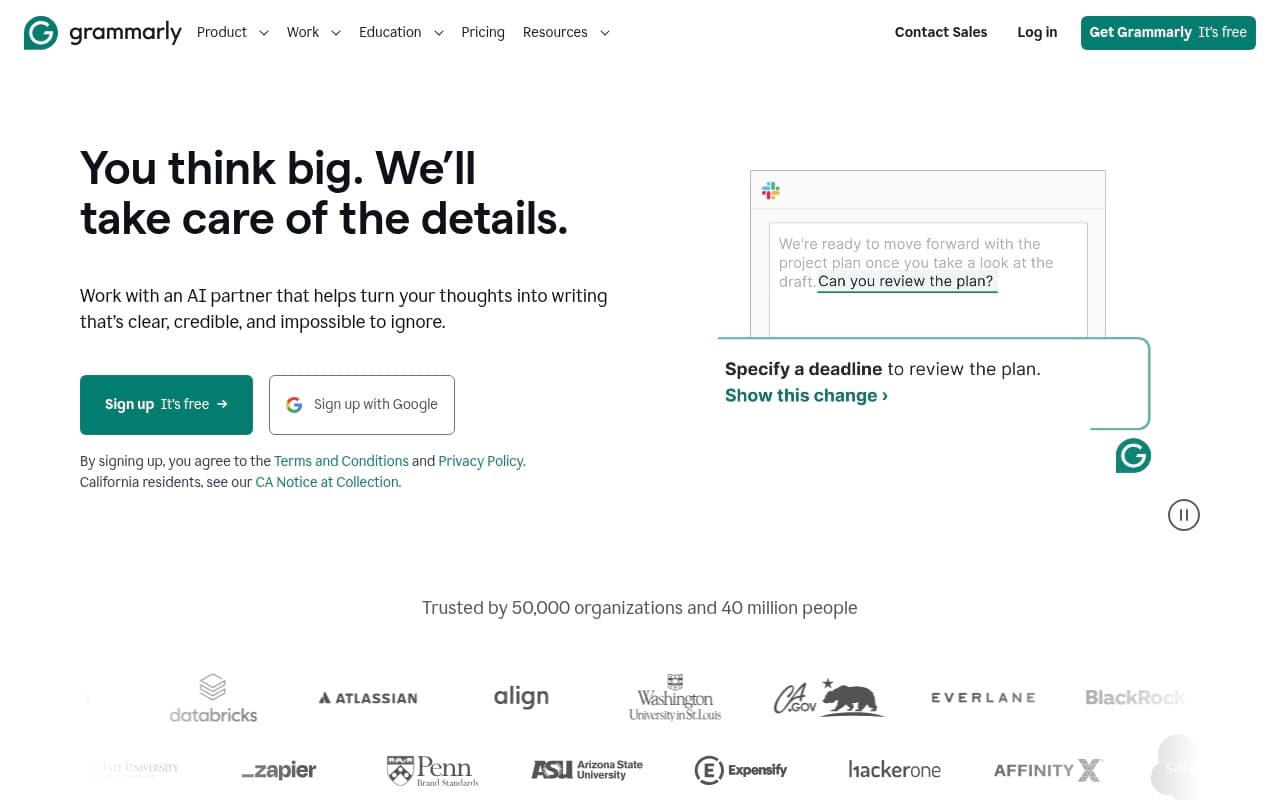
You know Grammarly—you have probably used the free version to catch typos before hitting send. GrammarlyGO takes that familiar red-underline tool and adds generative drafting. ChatGPT writes anything, but it does not know your tone and forces you to copy-paste between apps. GrammarlyGO lives inside Gmail and Google Docs, watching your tone in real time.
Who Should Use GrammarlyGO
Sales teams burning hours on follow-up emails see results fast. GrammarlyGO drafts the email, shifts tone from pushy to consultative in one click, and flags phrases that read aggressive to nervous prospects. When close rates depend on Friday afternoon email tone, this matters.
HR managers face a tougher challenge: performance reviews and policy updates must sound clear, legally safe, and human. GrammarlyGO catches corporate jargon that makes employees feel like they are reading insurance fine print. It consistently suggests plain-language alternatives that still cover your legal bases.
Office managers running communications for 15-20 person firms get the clearest value. They write dozens of emails weekly—client updates, vendor negotiations, internal announcements—and GrammarlyGO removes the mental overhead of switching between contexts. Skip this if you run a creative agency where voice is your product, or if your team codes more than they write.
What It Does
GrammarlyGO corrects your writing and generates new text from prompts. Tell it to write a job posting with a collaborative tone, and it produces a working draft you edit rather than a blank page you fill. It runs as a browser extension, following you into Gmail, LinkedIn, and web apps without setup. Google Docs and Office integrations work without changing your workflow.
The plagiarism checker catches accidental over-borrowing before client work ships. The system reduces friction instead of adding another app to your stack.
Pricing
Free covers grammar correction plus limited weekly AI prompts. Fine for light users writing once or twice weekly, but the AI allowance disappears fast during busy periods.
Pro at $12/month unlocks unlimited generative drafting, tone detection, plagiarism checking, and advanced style suggestions. Most small businesses should buy this tier. A 5-person team pays $60/month to stop sounding amateur in client communications.
Business adds team billing, shared style guides, and admin controls. Worth it above 10 users when brand consistency becomes hard to manage manually. Below that threshold, Pro handles the job.
What Works
The browser extension disappears. After a week you forget it is there, which beats every productivity tool that makes you copy-paste between apps. It corrects as you type without interrupting your flow.
Tone shifting works. Clicking from "confident" to "diplomatic" changes phrasing in ways that feel natural, not robotic. Sales teams managing different relationship stages save decision-making time on every email.
Templates kill blank-page paralysis. Pre-built structures for job descriptions and client check-ins cut first-draft time to under 10 minutes for standard documents.
What Does Not Work
No brand voice memory. GrammarlyGO forgets how your company writes between sessions. Every draft starts from generic corporate phrasing, forcing you to re-train it constantly. This gets tedious fast for teams with distinct voice requirements.
Technical content falls flat. Ask it to draft a proposal for specialized B2B services and the output sounds plausible but shallow. It misses industry terminology, competitive positioning, and technical nuance. You will rewrite more than you expect.
How It Compares
Vs. Microsoft Copilot: Copilot works better inside Office 365 but costs more and requires existing Microsoft subscriptions. GrammarlyGO wins for mixed-device teams and cross-platform flexibility.
Vs. Jasper AI: Jasper handles brand voice consistency across content teams better. GrammarlyGO beats it on everyday business writing—emails, HR docs, proposals—where Jasper costs too much for what you get.
Vs. ChatGPT: ChatGPT generates longer content cheaper but forces you to leave your workflow and polish everything manually. GrammarlyGO's integration advantage decides it for non-technical users.
The Verdict
Buy GrammarlyGO Pro if you run sales, office management, or HR for a business under 50 people. Grammar correction alone justifies $12/month, and the generative drafting saves hours weekly. Skip it if you need deep brand voice control across content teams—Jasper handles that better. Also skip if you run a creative agency where voice is your competitive advantage. For everyone else writing proposals, chasing invoices, posting jobs, and managing client relationships in professional English, this tool works as promised every day. Most software does not.
Common Questions
Does GrammarlyGO work with Google Docs?
Yes. Install the browser extension and a sidebar appears automatically inside Docs. No separate setup required.
Is the free plan enough for small business?
Only for very light use—one document weekly. Regular writing volume hits the AI limits fast. Pro at $12/month is the practical starting point.
Can teams share one account?
No. GrammarlyGO charges per user. Team billing and management require the Business tier. Shared logins violate terms and cause sync problems.
How does plagiarism checking work?
It compares your text against web content and academic sources, flagging matched phrases with similarity percentages. Not forensic-level, but solid enough to catch over-reliance on sources before documents ship.