Most businesses don't have a receipts problem. They have a receipts-nobody-bothered-to-file problem. The stack on the desk, crumpled ones in jacket pockets, email attachments in a folder called "Expenses 2024 FINAL v3." That's where money disappears — not dramatically, but steadily.
Who Should Use Receipt Bank (Dext)
Dext was built for businesses like a 12-person construction company where three site managers run up expenses every week. You've got people buying materials, fuel, and equipment hire. Getting those receipts to your bookkeeper in usable form is a genuine headache. Dext turns a phone camera into a submission system.
Retail businesses managing supplier invoices get the same benefit. If your accounts involve high volumes of incoming documents — supplier bills, petty cash receipts, staff expenses — the time you recover from not manually entering data is real. One bookkeeper handling five small clients told me she saved four hours weekly on data entry after switching.
Solo freelancers with 20 receipts monthly shouldn't buy this. You'll pay $20 for a 30-minute job. Dext earns its cost when volume is high and the manual alternative eats your time or your accountant's billable hours.
What It Does
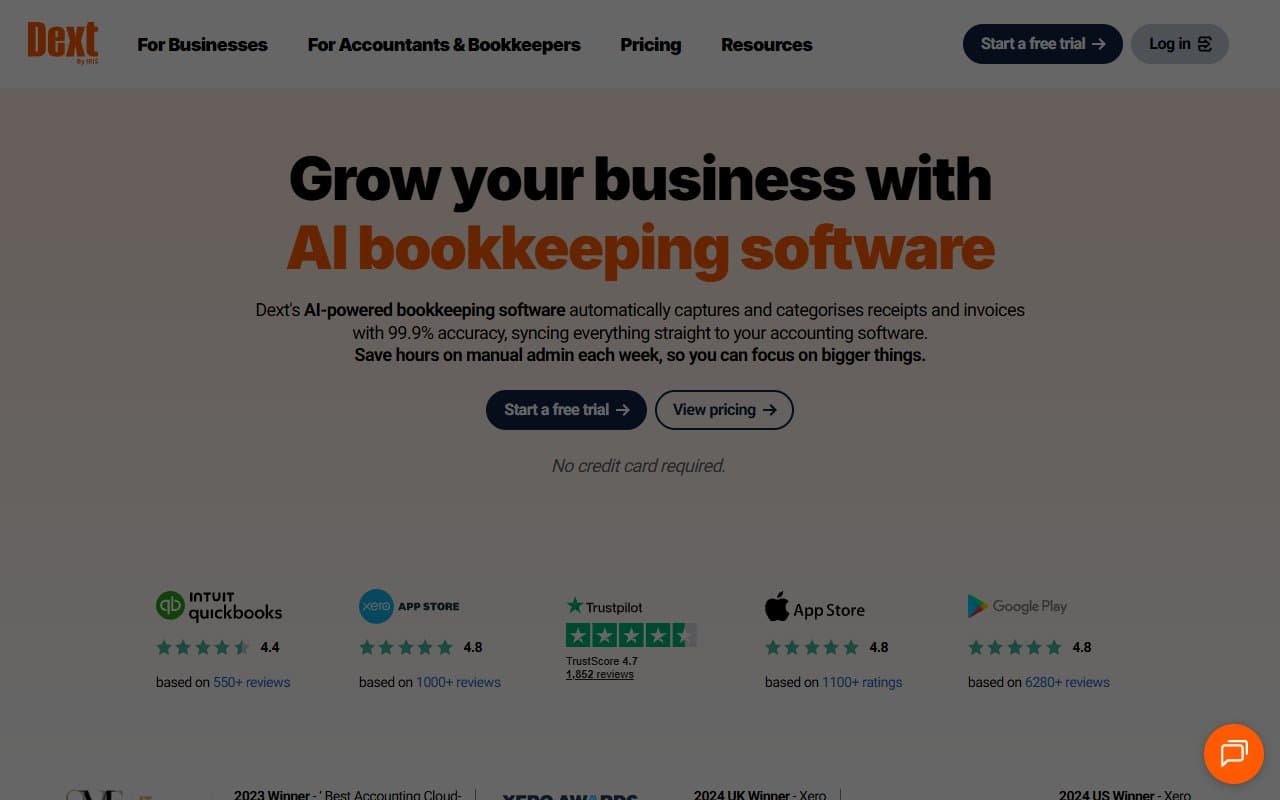
Photograph a receipt. Dext reads the date, vendor, total, tax amount and extracts that information automatically. Those details push directly into QuickBooks Online, Xero, or Sage Accounting. No typing. No manual categorization if you set rules properly. The document gets stored, matched, and filed.
It processes bank statements, supplier invoices, and expense reports through the same pipeline. Your team submits expenses through the app, you approve them in a dashboard, everything flows into your accounts without creating separate reconciliation work.
The mobile app is genuinely good — not "good for accounting software" but actually good. Capture is fast, recognition accurate on clear photos, submission takes under a minute once someone knows the process.
Pricing
Dext starts at $20/month for one user with document limits that suit sole traders. Most small businesses — say, 10 people with regular employee expenses — need the $50–$80/month range for multi-user access and higher document limits. That's the tier that makes this worthwhile. The bottom tier feels like a teaser.
Top-tier plans target accounting practices managing multiple clients. If you're running your own business, you don't need them. One frustration: pricing isn't transparent on the website without requesting quotes, which is annoying when you're trying to budget.
What Works
The extraction accuracy is impressive. Most receipt capture tools struggle with faded thermal paper or unusual formats. Dext handles them better than anything else I've tested — getting vendor names and amounts right even on receipts that look washed.
The accounting software integration is tight. Data pushed to QuickBooks Online or Xero isn't just dumped — categories, suppliers, and tax codes map correctly when configured. Less cleanup work. Your bookkeeper stops sending passive-aggressive emails.
The mobile app drives behavior change. Expense compliance fails in small businesses because the process annoys people. Dext makes submission fast enough that staff actually do it. That shift — from chasing receipts to having them arrive automatically — delivers the real value.
What Doesn't Work
It's useless without accounting software. Dext alone is an expensive document folder. If you're not already on Xero, QuickBooks Online, or Sage, you need to sort that first. That adds cost and complexity to what seemed like a simple purchase.
Pricing lacks clarity. Getting a straight answer on costs requires more effort than it should. For a small business owner doing homework at 10pm, hitting "contact us for pricing" sends people elsewhere.
How It Compares
AutoEntry does similar work at slightly lower cost. Some users prefer its per-document pricing if volume fluctuates monthly. Dext wins on mobile experience and integration depth. Predictable high volume favors Dext. Wildly varying receipt loads might cost less with AutoEntry.
Hubdoc comes free with Xero and handles similar document capture. For small businesses already paying for Xero, try it first. Dext justifies its cost over Hubdoc when volume is high and you need more accurate extraction and richer reporting.
The Verdict
If employees submit expenses, suppliers send invoices, or your bookkeeper spends serious hours on data entry — Dext saves money even after the subscription cost. A 15-person hospitality business, busy trades company, retail operation with multiple suppliers — these situations return several times the $50/month value in recovered time.
Solo consultants with light expenses should try Hubdoc inside Xero first. Less polished, but free.
Dext won't replace your accounting software. It needs a partner.
For businesses with the right profile, it's one of the more straightforward purchases in accounting software — rare for a category that usually involves compromises.
Common Questions
Does Dext work without an accountant?
Yes, through the dashboard. Most small business owners get more value when their bookkeeper or accountant manages categories and approvals. It's designed to fit that workflow, not replace it.
Is Receipt Bank the same as Dext?
Receipt Bank rebranded to Dext in 2021. The product has been updated significantly since then, but you'll see the old name in reviews and search results. Same company, same core tool.
Can employees submit their own expenses?
Yes — staff download the app, photograph receipts, submit for approval. You review and approve before anything hits your accounts. One of the cleaner expense submission setups at this price.
What happens if photo quality is bad?
Dext handles poor-quality images better than most competitors, but it's not magic. Badly lit, blurry, or creased receipts occasionally need manual correction. The tool flags low-confidence reads rather than entering wrong data silently.