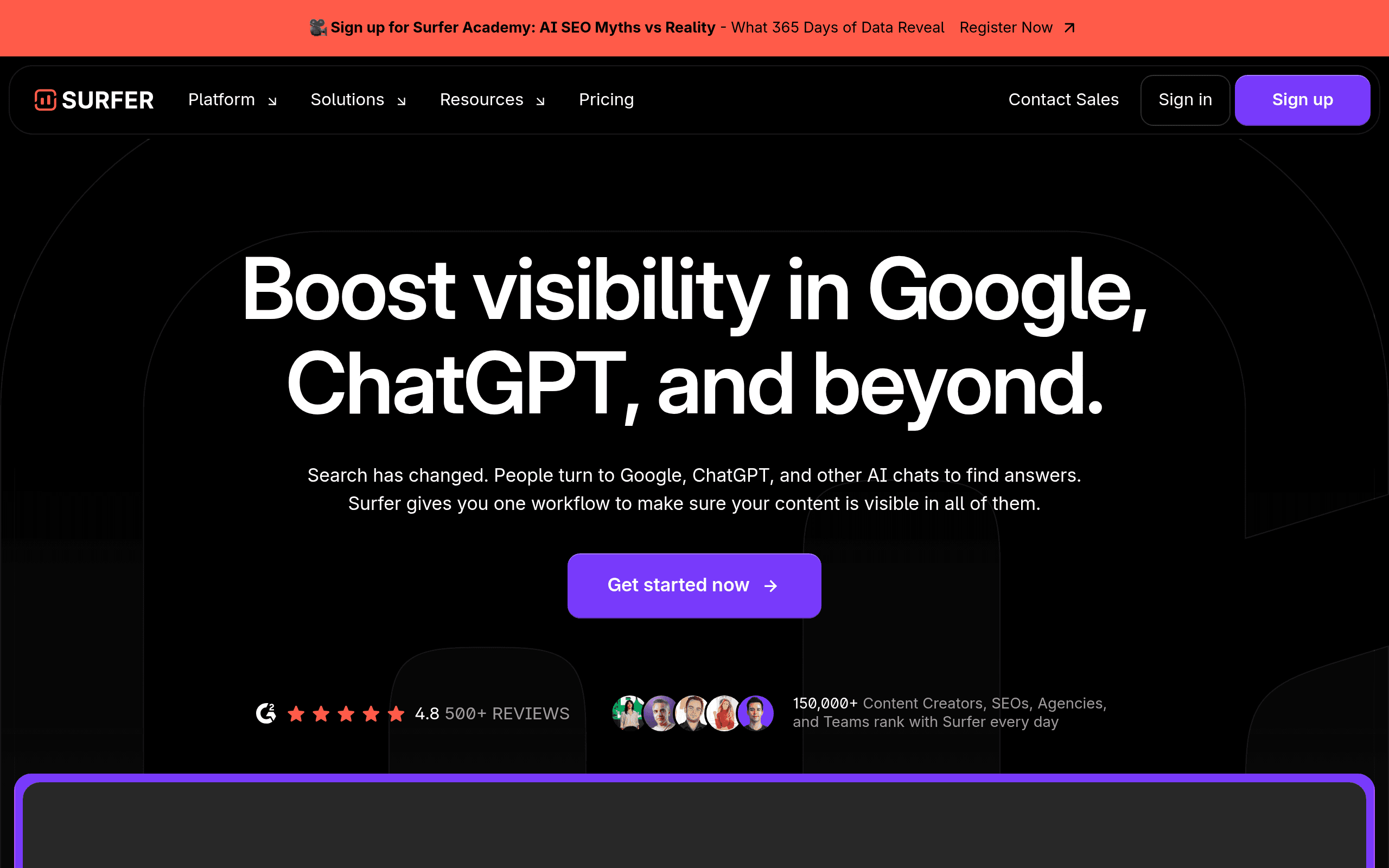
Who Should Use Surfer SEO
If you run a 5-person marketing agency that produces SEO content for clients every week, Surfer SEO is built for you. The content editor gives your writers a live score as they draft, which means you're not paying an SEO strategist to review every article after the fact. That feedback loop alone changes how a small content team operates.
A solo blogger running a niche site will also get real value here, particularly from the topical authority map. Instead of guessing which related articles to write next, you get a structured view of which clusters you need to cover to build genuine topical depth.
Where it falls short: any business whose SEO challenges go beyond content. A local plumbing company managing its own site, a SaaS founder trying to clean up crawl errors, or an e-commerce store chasing backlinks — none of those use cases map well to what Surfer does. The tool assumes content is your main lever, and for most businesses, it isn't.
What It Actually Does
Surfer SEO reads every top-ranking page for your target keyword before you type a single word. You enter your keyword, and it dissects the top SERP results — word count, headings, terms used, structure — and turns that analysis into a live scoring system inside its content editor. Write more of what the top pages include, your score goes up. Leave out terms that keep appearing in competing content, your score drops.
Outside the editor, you get keyword research to find what to target in the first place, an audit tool to score pages you've already published, and a topical authority map that shows you the gaps in your content coverage. There's also an AI writing feature baked in, though it's more useful for generating outlines and first drafts than producing finished copy.
The whole experience centers on one goal: getting your content to rank by matching and exceeding what's already working.
Pricing
Buy the Essential plan at $89/month if you're a small business or solo operator. It covers 30 articles per month in the content editor, basic keyword research, and the audit tool. You won't feel constrained unless you're producing content at agency volume.
Upgrade to Scale at $129/month if you're running client accounts or a content-heavy site. It pushes you to 100 articles monthly and adds the topical authority map plus more SERP analysis data. The topical map alone justifies the extra $40.
Skip the Scale AI plan at $219/month unless you're churning out very high volumes. The AI features don't justify that price jump over Scale. Most small teams will write better content using Scale's data with their own writers than paying nearly $90 more monthly for AI-generated drafts that still need heavy editing.
There is no free plan and no meaningful free trial, which creates friction when you're deciding whether $89/month is worth committing to.
What Works Well
The real-time content score delivers. When you're writing a 1,500-word article and the score tells you that you're underusing a term that appears in 17 of the top 20 results, that's directly usable. Writers adapt on the fly rather than waiting for a separate review cycle.
The topical authority map saves serious planning time. Building a content strategy from scratch usually means hours in spreadsheets. Surfer's map shows you the topics you need to cover to own a subject in search, laid out visually and connected to real keyword data. For a small team without a dedicated SEO strategist, that matters.
SERP analysis goes deeper than surface metrics. When you're researching whether a keyword is worth targeting, Surfer shows you what's actually winning — content structure, heading patterns, content length ranges — not just domain authority scores.
What Does Not Work
There is no backlink analysis, and that gap hurts. For many businesses, content quality is only half the ranking equation. Surfer doesn't help you understand your link profile, identify opportunities, or monitor what competitors are building. You'll need a separate tool entirely, which adds cost and creates workflow friction.
The AI writer produces mediocre first drafts. This matters because the AI feature is increasingly prominent in how Surfer markets itself, and the output consistently requires substantial rewriting. If you're hoping to cut your content production time in half by leaning on it, expect disappointment. For businesses looking for reliable AI writing assistance, tools like Jasper AI or Writesonic deliver more polished output.
How It Compares
Vs. Ahrefs and Semrush: Both are broader platforms — backlinks, technical audits, competitor research, and content tools. If you need one tool to cover everything, either of those beats Surfer for overall SEO management. Choose Surfer when content production is your primary activity and you want a purpose-built writing environment.
Vs. Clearscope: Clearscope is Surfer's most direct rival on content optimization. Its scoring is cleaner and its editor is simpler, but it starts higher and offers less strategic context around keyword and topic planning. For a small team that wants both the writing guidance and the strategy layer, Surfer edges it out on value.
Vs. MarketMuse: MarketMuse positions itself as a more enterprise-grade content intelligence platform, with a price tag to match. For a small business that doesn't need that depth, Surfer delivers 80% of the strategic value at a fraction of the cost.
The Verdict
If you publish SEO content regularly — two or more articles a week — and you've been frustrated watching well-written pieces fail to rank, Surfer SEO addresses that problem directly. The content editor makes optimization something your writers can do without an SEO briefing for every piece, and the topical mapping gives you a clearer content strategy than most small teams build on their own.
If you're looking for backlink intelligence, technical site auditing, or a full-platform competitor analysis tool, Surfer will leave you short and you'll end up paying for something else anyway. In that case, Semrush or Ahrefs gives you a more complete picture even if the content-specific features aren't as sharp.
Surfer SEO does its narrow job well — the problem for some businesses is that the job it does isn't the whole job.
Common Questions
Does Surfer SEO work for small local businesses?
Only if content marketing is part of your actual strategy. If you're a local business relying on Google Business Profile rankings and citations, Surfer's feature set doesn't address your main SEO levers. Local SEO tools like BrightLocal would serve you better. You'd be paying $89/month for tools you'd rarely open.
Can I use Surfer SEO without any SEO experience?
Yes, with a reasonable learning curve. The content editor is intuitive enough that a writer with no SEO background can use it effectively within a day or two. The keyword research and topical mapping features take more time to interpret, but the core editor requires no technical knowledge.
Is Surfer SEO worth it compared to just using Semrush?
If you're already paying for Semrush, the content-specific features inside Surfer are sharper and more integrated into the writing process. Running both isn't unreasonable for a content-heavy business. Running Surfer instead of Semrush only works if you don't need the full platform capabilities Semrush offers.
How long before you see results from using Surfer SEO?
Realistically, three to six months for meaningful organic traffic movement, which has less to do with Surfer and more to do with how search works. What you'll notice faster — within weeks — is that your optimization process takes less time per article and your writers need less back-and-forth to hit the mark. For businesses focused on content marketing, this efficiency gain alone can justify the investment.