Who Granola is Best For
Granola works for business owners drowning in back-to-back video calls. If you're a consultant juggling client meetings, a founder doing investor pitches, or running a small team where decisions happen in meetings, this tool can help.
It's particularly useful if you find yourself scrambling to remember what was decided three meetings ago. Or if you're tired of assigning someone to be the "note taker" in every meeting.
Don't bother if your business runs on async communication. Teams that live in Slack or email won't get much value here.
What Granola Actually Does
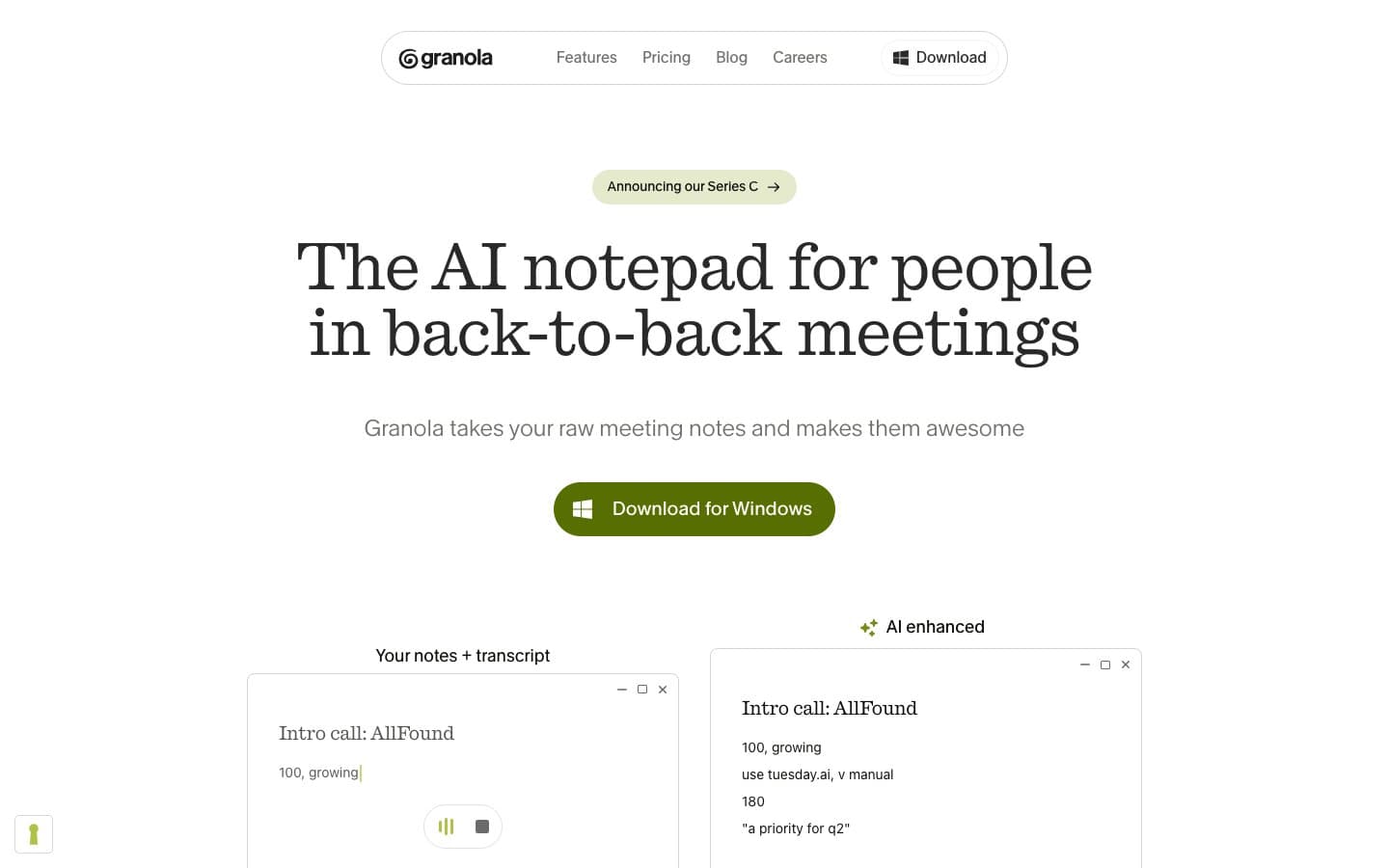
Granola sits quietly in the background during your Zoom, Google Meet, or Teams calls. It records everything and uses AI to turn the conversation into organized, readable notes.
Here's what happens: You join a meeting, Granola starts recording automatically. During the call, you can jot down quick thoughts in its notepad. After the meeting ends, Granola processes the audio and creates structured notes with key points, decisions, and action items.
The AI is smart about formatting. Instead of a wall of text, you get organized sections with clear headings. It pulls out action items automatically and can adapt to different meeting types using templates.
You can search through all your meeting history and share notes with team members. Everything syncs across your devices, though you need the desktop app to actually record meetings.
Granola Pricing — What You Actually Get
The Free plan gives you 25 meetings per month with basic AI notes and templates. That's enough for most solopreneurs to test the waters.
Pro costs $10 monthly and removes meeting limits. You also get custom templates, shared notes, and priority support. This is where most small businesses will land.
Business runs $19 per user monthly and adds team workspaces, admin controls, and SSO. Only worth it if you're managing a larger team and need the administrative features.
The free tier is generous enough for a real trial. Most competitors charge from day one.
What We Like
The transcription accuracy impressed us. Even with multiple speakers and some background noise, Granola captured conversations correctly about 90% of the time. That's better than most alternatives we've tested.
Note organization is genuinely helpful. Instead of fishing through rambling transcripts, you get clear sections for decisions, action items, and key discussion points. The AI understands context well enough to group related topics together.
The search function works across all your meetings. You can find that conversation about budget changes from two months ago in seconds. This becomes invaluable as your meeting history grows.
Setup is dead simple. Download the app, connect your calendar, and it handles the rest. No complicated integrations or IT setup required.
What We Don't Like
Desktop-only recording is a major limitation. You can't capture meetings from your phone or tablet. In 2026, this feels unnecessarily restrictive, especially for business owners who travel frequently.
Integrations are shallow. While Granola connects to major video platforms, it doesn't push action items to your project management tools or sync with your CRM. You're still doing manual copy-paste work.
The mobile app is basically useless. You can read notes but can't record new meetings. This creates workflow gaps if you're not always at your desk.
Customization options are limited compared to specialized tools. Sales teams might find the templates too generic, and the action item tracking isn't sophisticated enough for complex projects.
How Granola Compares
Otter.ai offers similar transcription with better mobile support but weaker note organization. The raw transcripts are messier and harder to scan quickly.
Fireflies focuses on sales teams with deeper CRM integrations. It's more expensive but handles follow-up workflows better if you're in sales.
Notion's AI can organize meeting notes, but you're doing the transcription work yourself. Granola's automatic processing saves significant time.
For pure transcription accuracy and note formatting, Granola beats most competitors. But it loses on integrations and mobile functionality.
Should Your Business Use Granola?
Yes, if you spend significant time in desktop video meetings and struggle with follow-up. The note quality and search functionality justify the $10 monthly cost for most small businesses.
Skip it if you need mobile recording or deep tool integrations. The desktop limitation will frustrate mobile-first business owners.
The free plan offers enough value to test with real meetings. Try it for a month and see if the organized notes change how you handle meeting follow-up.
Granola excels at its core job but doesn't extend far beyond basic note-taking. It's a good tool that could be great with better integrations.
FAQ
Does Granola work with in-person meetings?
No, it only captures audio from video conferencing platforms. You can't record face-to-face meetings or phone calls.
Can I edit the AI-generated notes?
Yes, you can edit all notes after Granola processes them. The AI creates a starting point, but you have full control over the final version.
How secure is my meeting data?
Granola encrypts all recordings and notes. Data is processed securely and deleted after transcription unless you save it. Check their privacy policy for full details.
Does it slow down my computer during meetings?
Not noticeably on modern machines. The app runs quietly in the background and processes audio after meetings end, not during them.